So, over the last few days, I’ve been trying my absolute best to port Endorphin character files to Blender.
This all started when I was messing around with this file, and wanted to do some cool handheld camera shots.
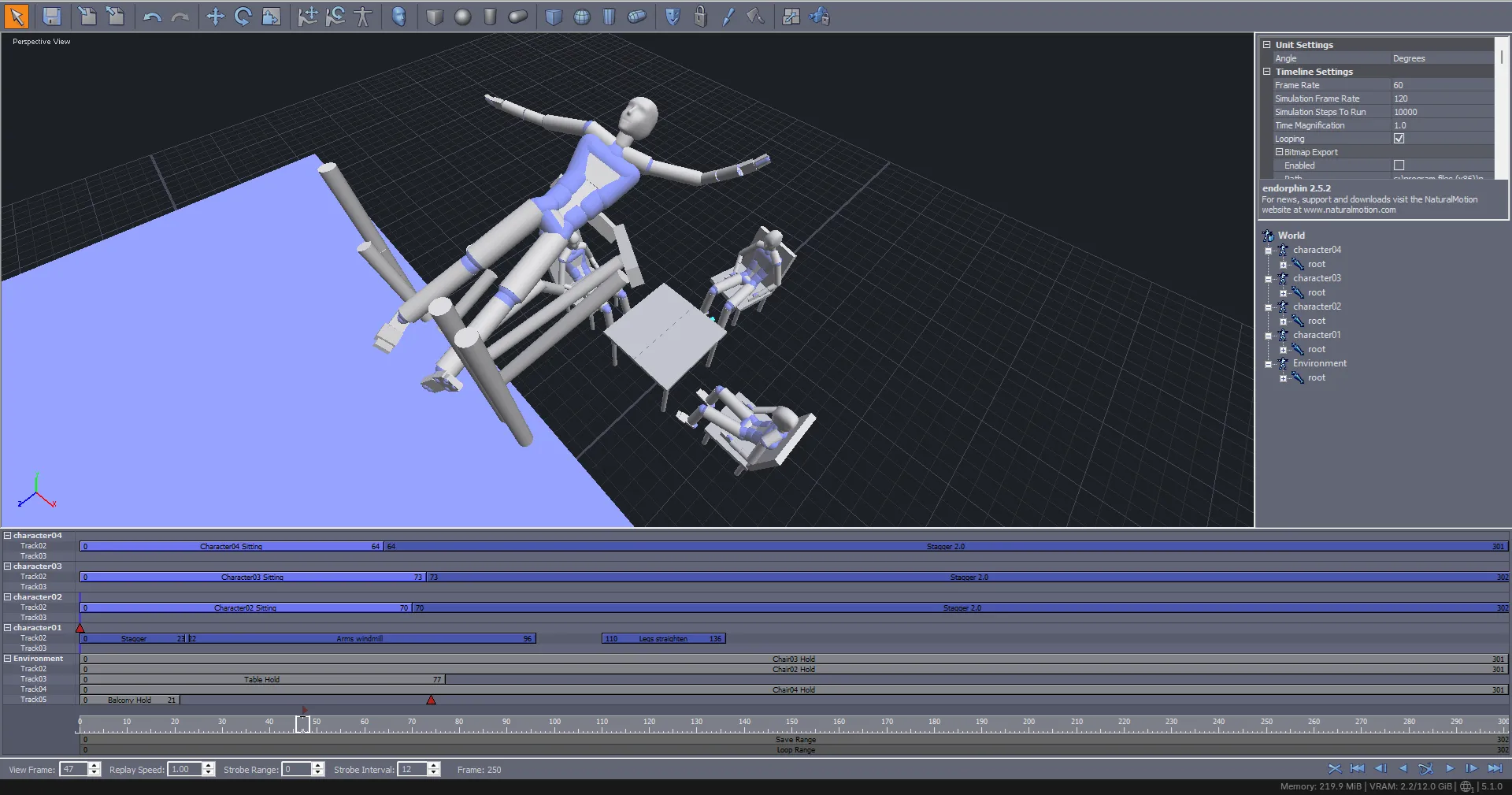
Endorphin can export to a good few file formats, including .bvh and .fbx, but there are problems with each of these.
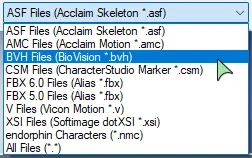
To start with BVH, as expected, it does only export armatures as Endorphin is primarily a ragdoll engine so exporting anything else wouldn’t make much sense,
but the armatures that get exported are horrible.
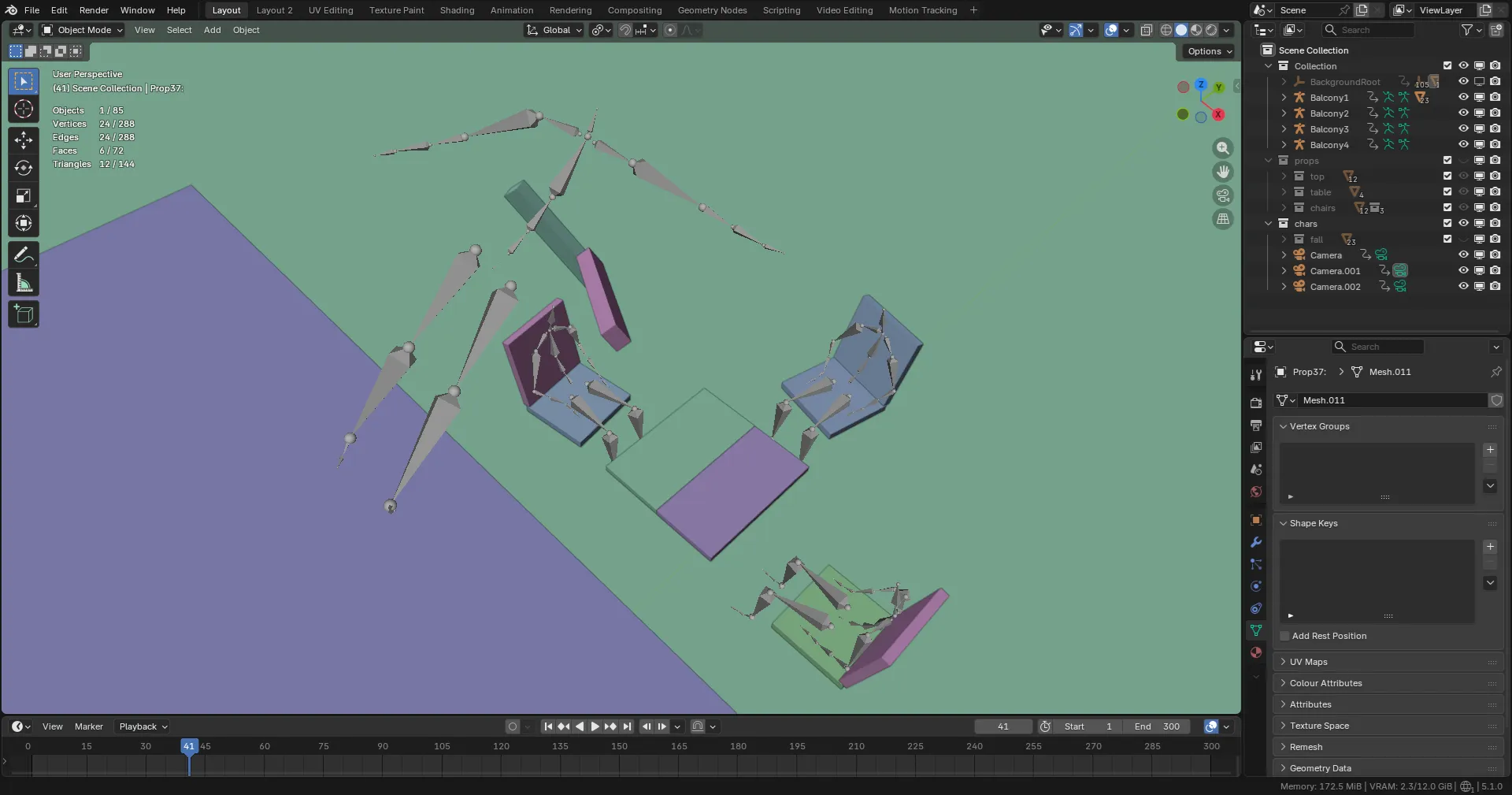
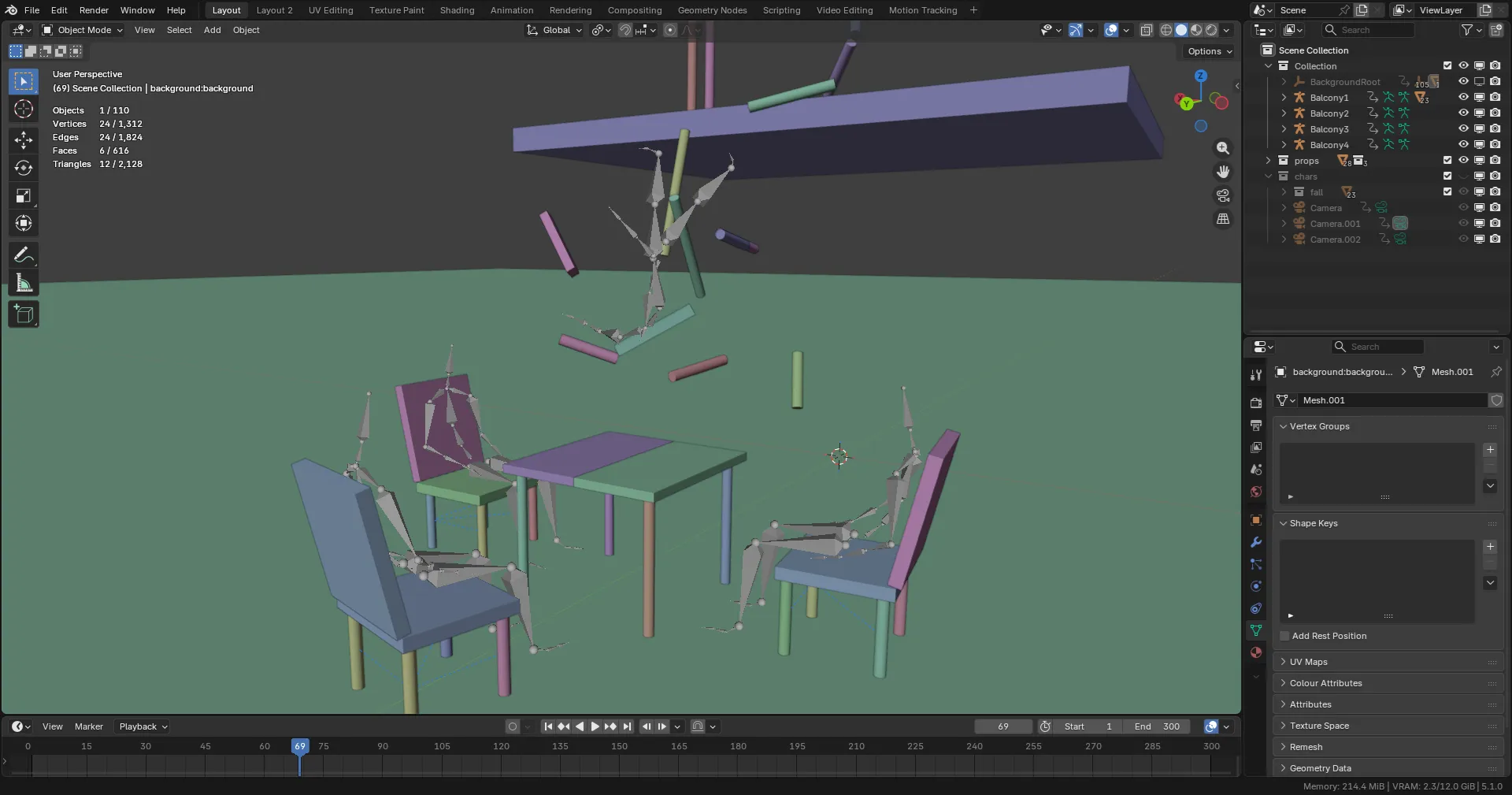
Here, everything looks fine, the animation plays correctly and all is well, until you go and try rig the armature in its rest pose.
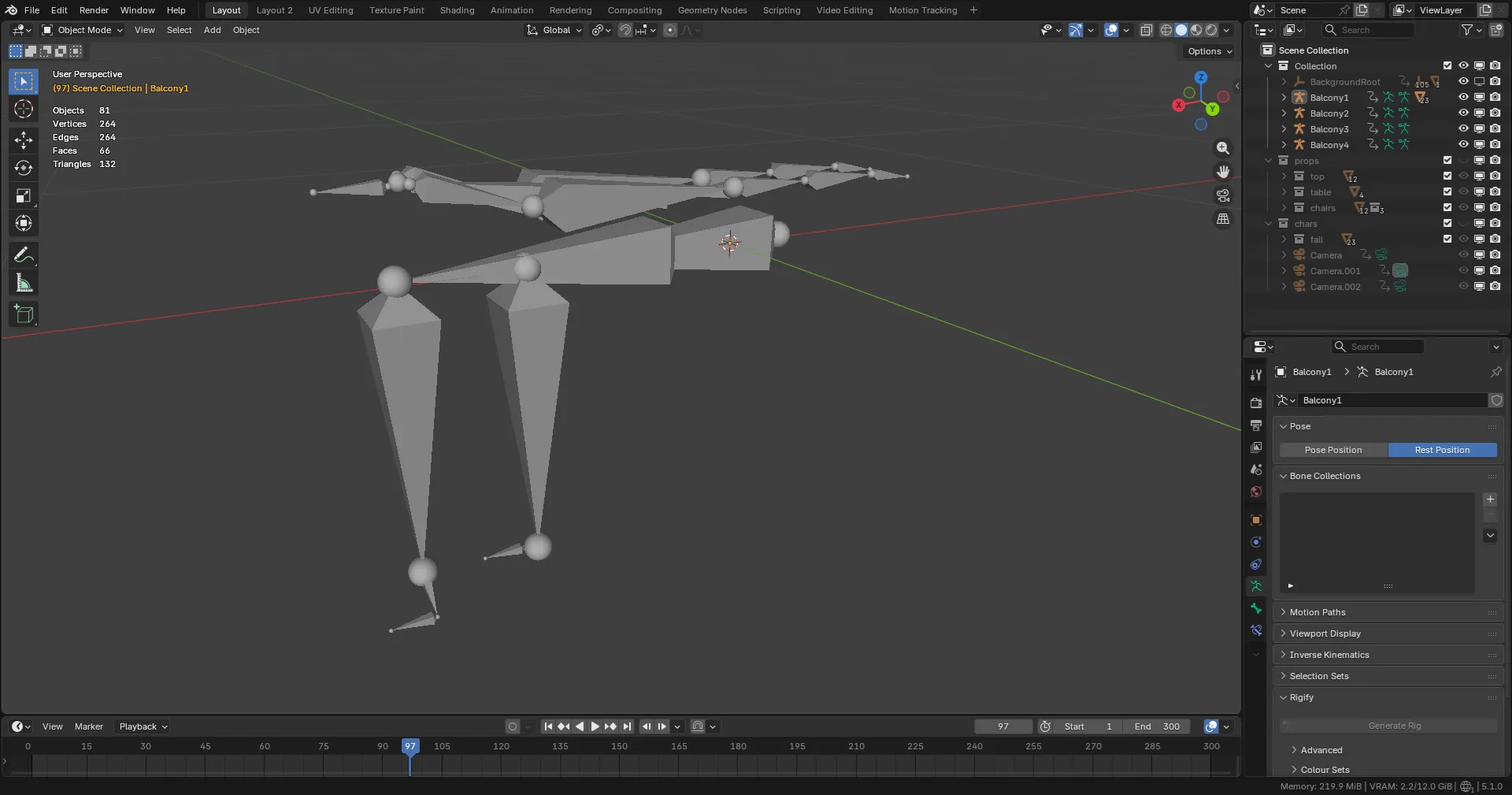
what the fuck
This is an absolutely horrible rest pose. The spine is completely horisontal meanwhile the arms face back and legs face down, and they’re even strangely crossed.
I was expecting either a T-pose or at least an A-pose, but I’ve never seen a rest pose as bad as this. So what I ended up doing for a temporary rig was just attaching a bunch of cylinders to each bone, and scaling them according to the respective bone.
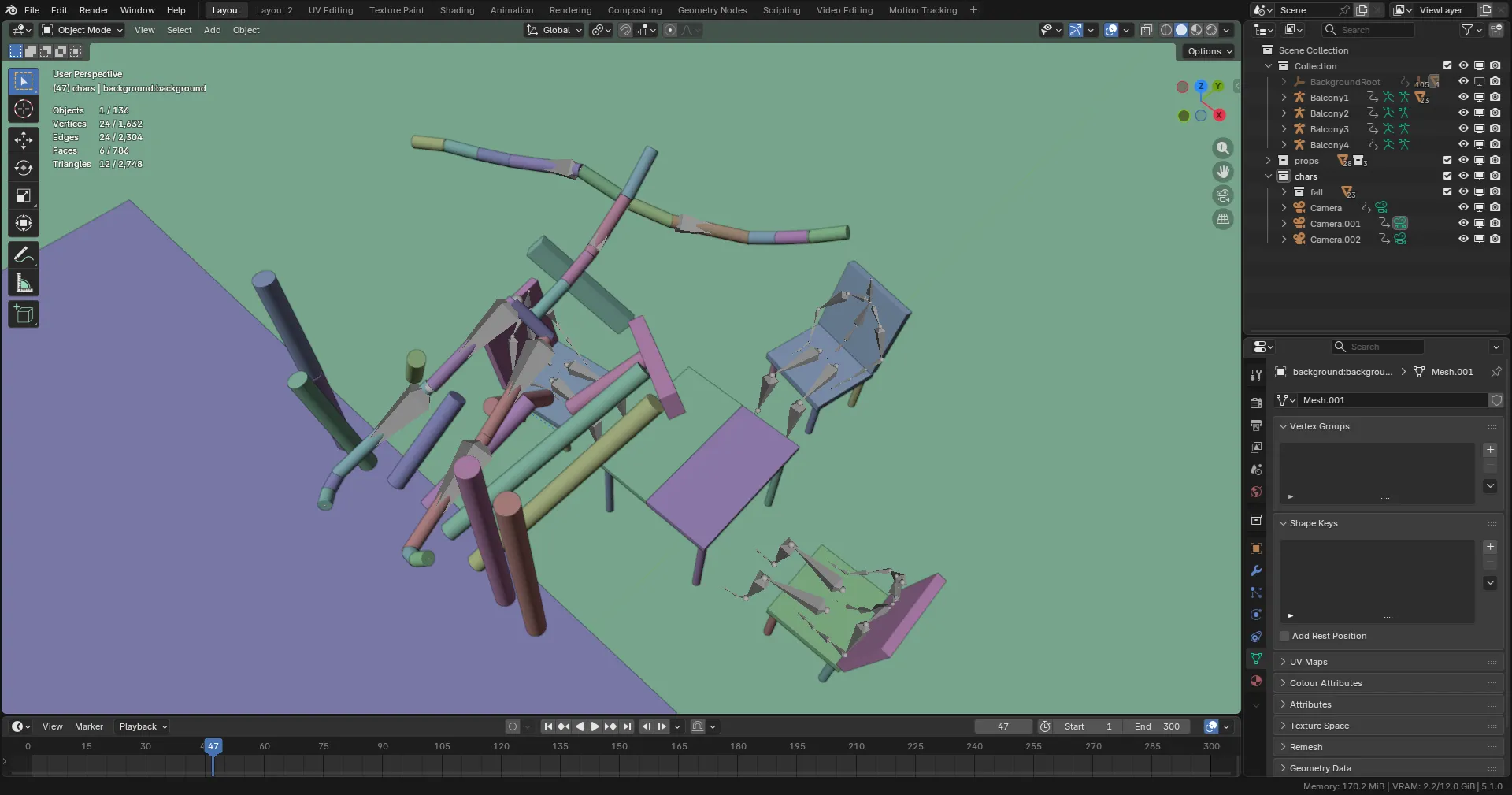
But, honestly, this was very tedious so I couldn’t be bothered to do it for the other three armatures.
Now for the problems with FBX files.
First off, because Endorphin is so incredibly old (my version being from 2005), the .fbx files it exports to are also incredibly old and are not supported by the newest versions of Blender.
So I have to use Autodesk’s FBX converter to get it to a newer version.
I only bother with FBX because it allows the option of exporting some of the surrounding environment.
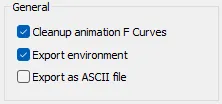
But as mentioned, it only includes some of it. In this instance, for Balcony.ens, it only exports the top of the balcony frame, the chair seats, and the general ground plane.
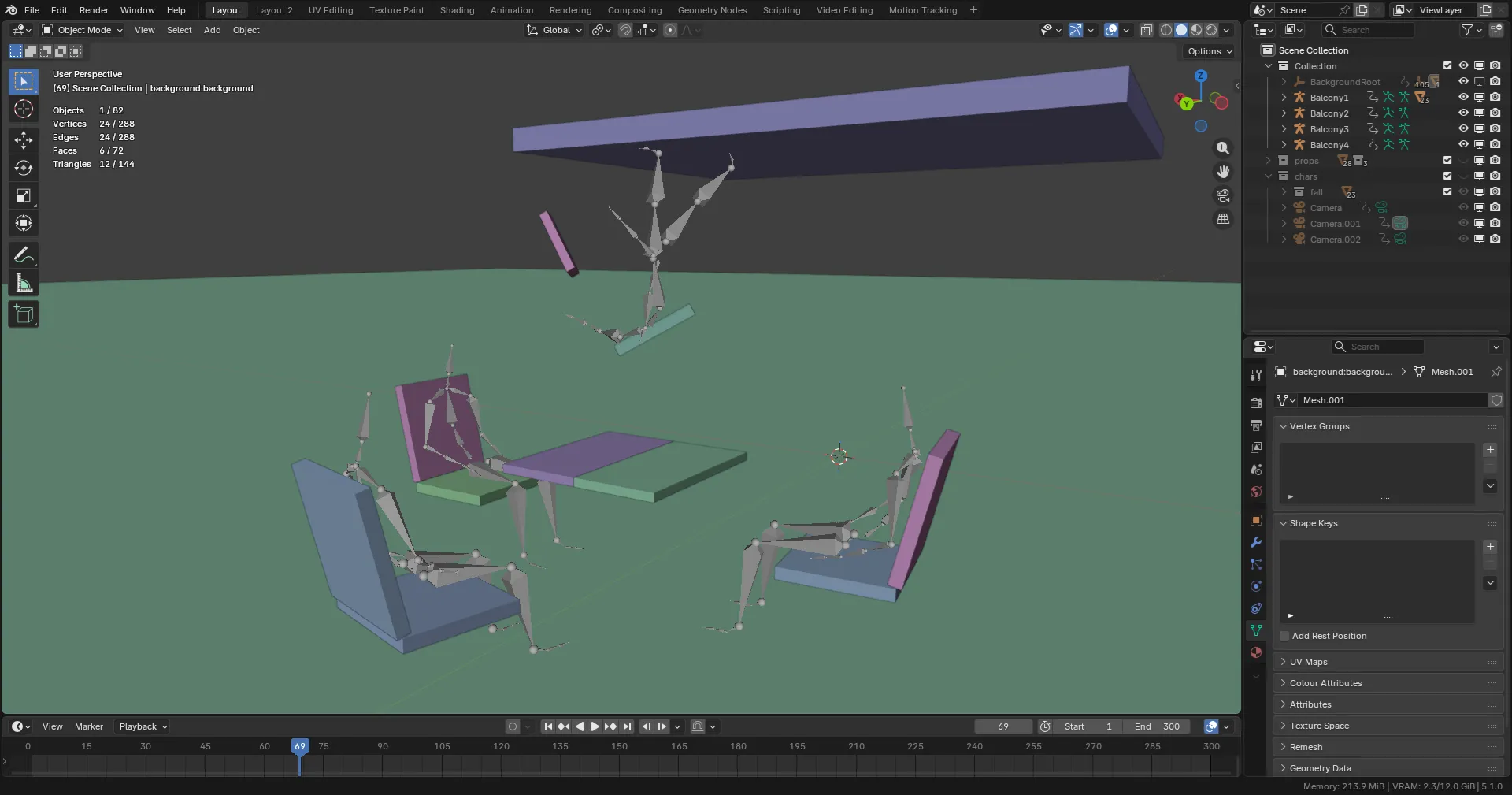
This is not actually too bad, it’s easy to work with and it even includes little empties for where the other objects in the scene were, so parenting a few more cylinders to those makes the physics props pretty much complete.
I then wanted to try work with another scene. Eventually, I had found Bridge Escape.ens.
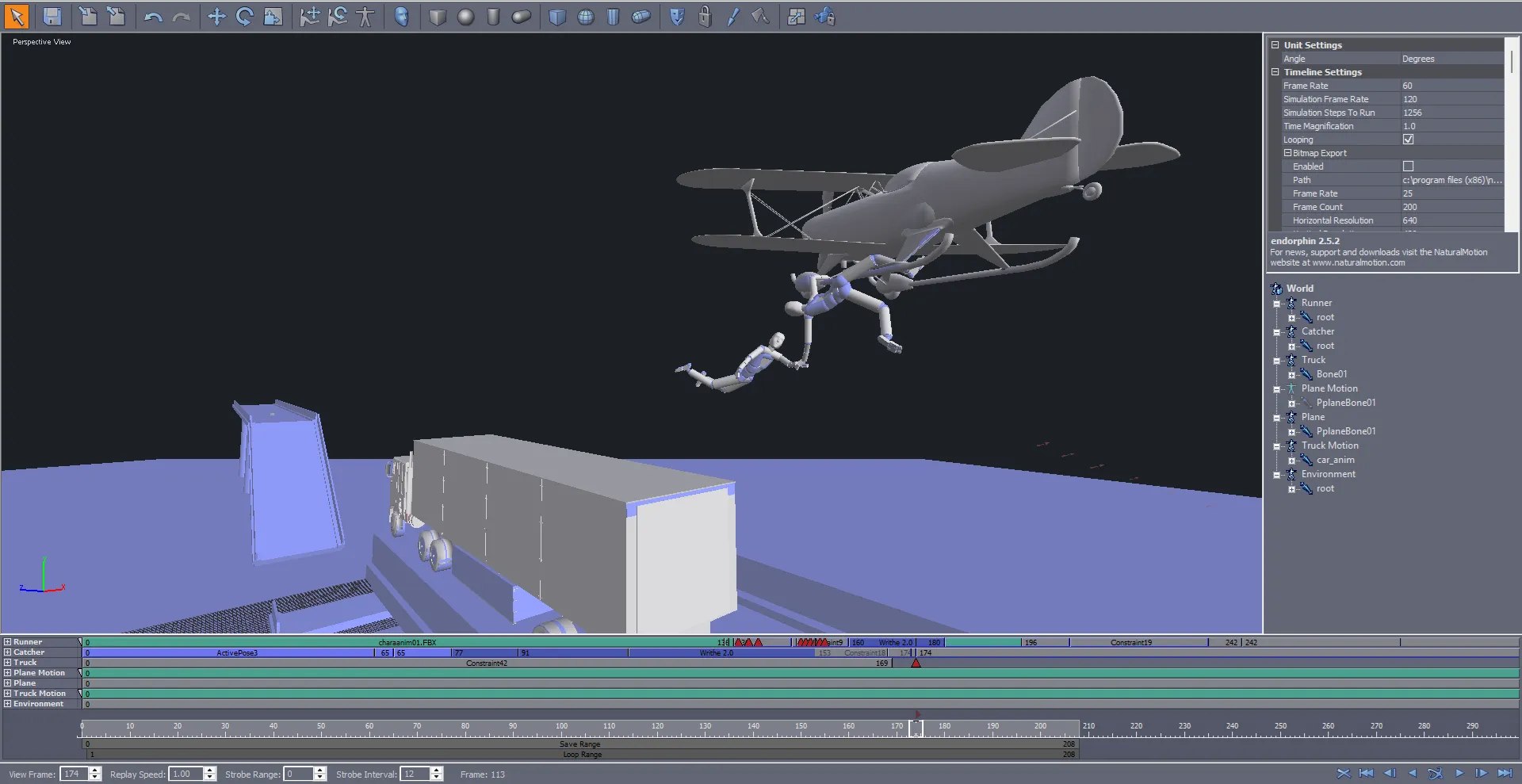
This scene is very cool. Although there isn’t too much “physics” going on apart from a character hanging from a plane, it’s still very cool to watch.
I immediately wanted to play around with some cameras in this scene. Some of my favourite shots in films are when cameras are attached to moving objects such as cars or other objects, so I immediately wanted to attach a few cameras to the plane or even the lorry.
As expected, when I exported this to Blender, the rigs were messed up again and some of the environment was missing, but it included the bridge which was absolutely fine.
However, with .fbx, even though there were the bones for them, the plane and lorry models were not exported, and I could not find a way to get them exported.
This was the start of a very long project.
Of course, I went and found the actual files that store these models and tried to export them as .fbx or .obj files directly.
No.
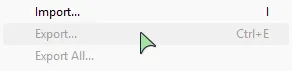
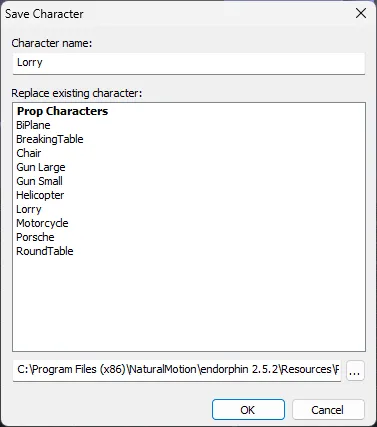
The export option is completely greyed out and trying “Save as” only lets you save as a .nmc file.
I then just tried to match the proportions of the objects directly, and match them in Blender.
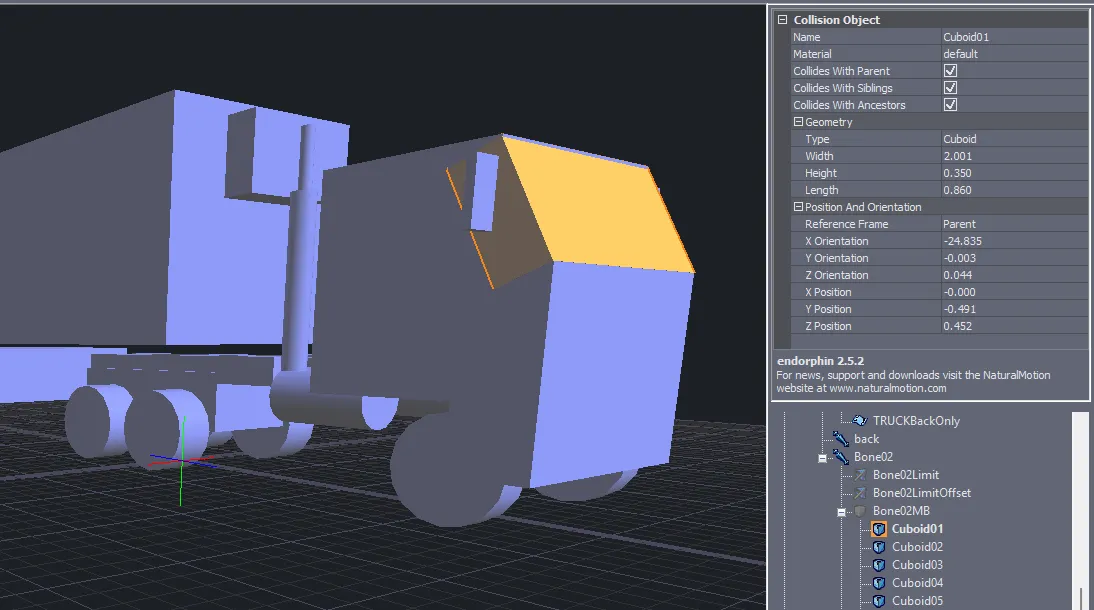
But this didn’t end up working and all the objects were misaligned, probably because they’re relative units to the bones that are in the model.
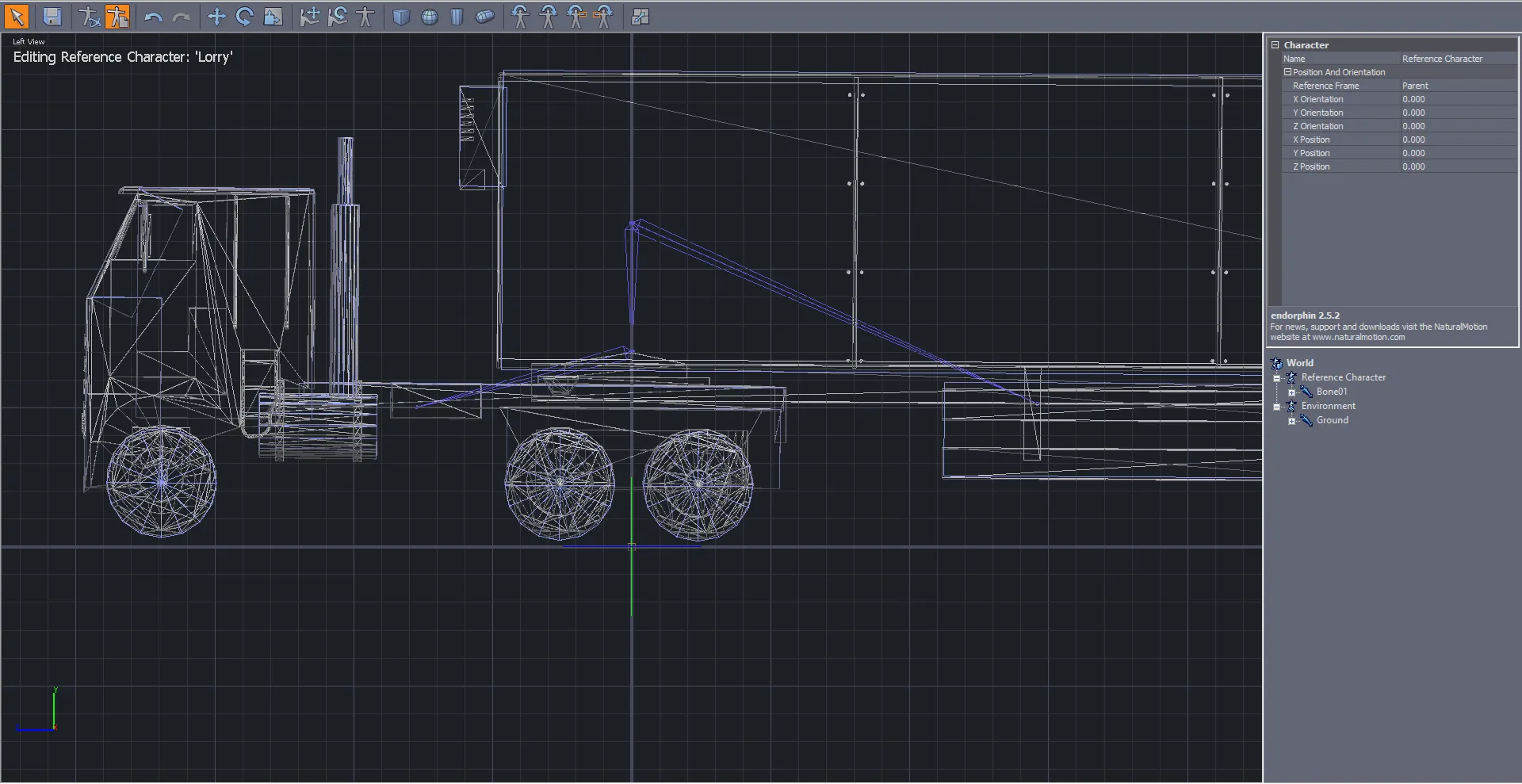
And then, somehow or other, I found out that .nmc files are just compressed .xml files!
This is honestly quite a huge find, so long as the units are also converted, it shouldn’t be too hard to write a script to get these imported, right?
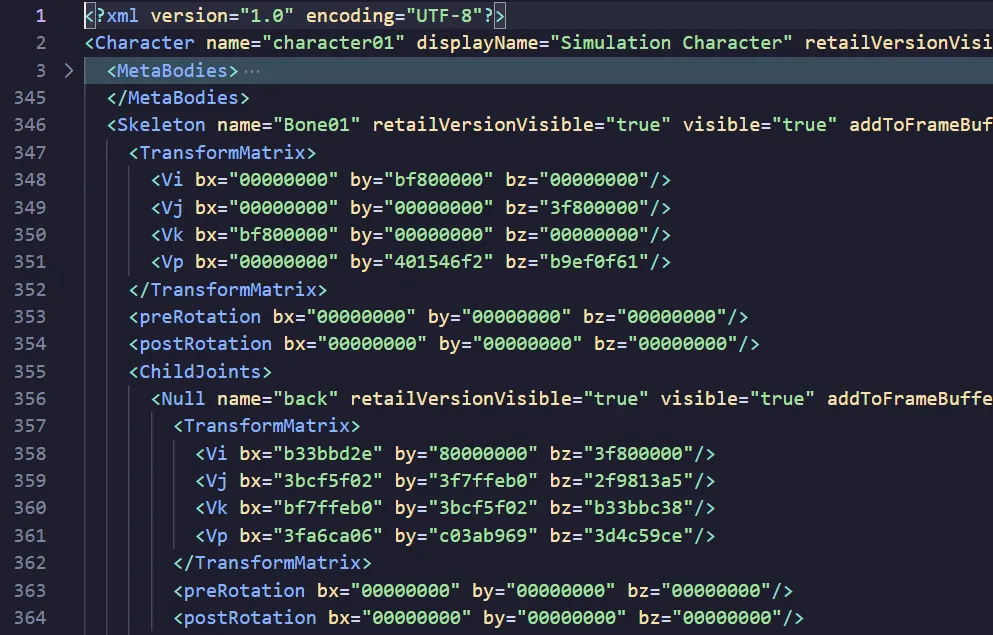
I’m not sure if this is the same case for .ens files, I’d assume not since they actually include multiple props and armatures including the timeline for animations and all things like that, but I haven’t actually tried, I’ve been way too focused on the .nmc files.
This then started a looong rabbit-hole of trying to actually understand Python as I have not had to use it for years. I’ve never even tried to use it inside of Blender, I’ve always just ran other scripts I’ve found for getting rigs or other things working.
So for a couple days, I tried to get used to Python, understanding what units are used in the .xml files and how they’re represented. And I actually got fairly far!
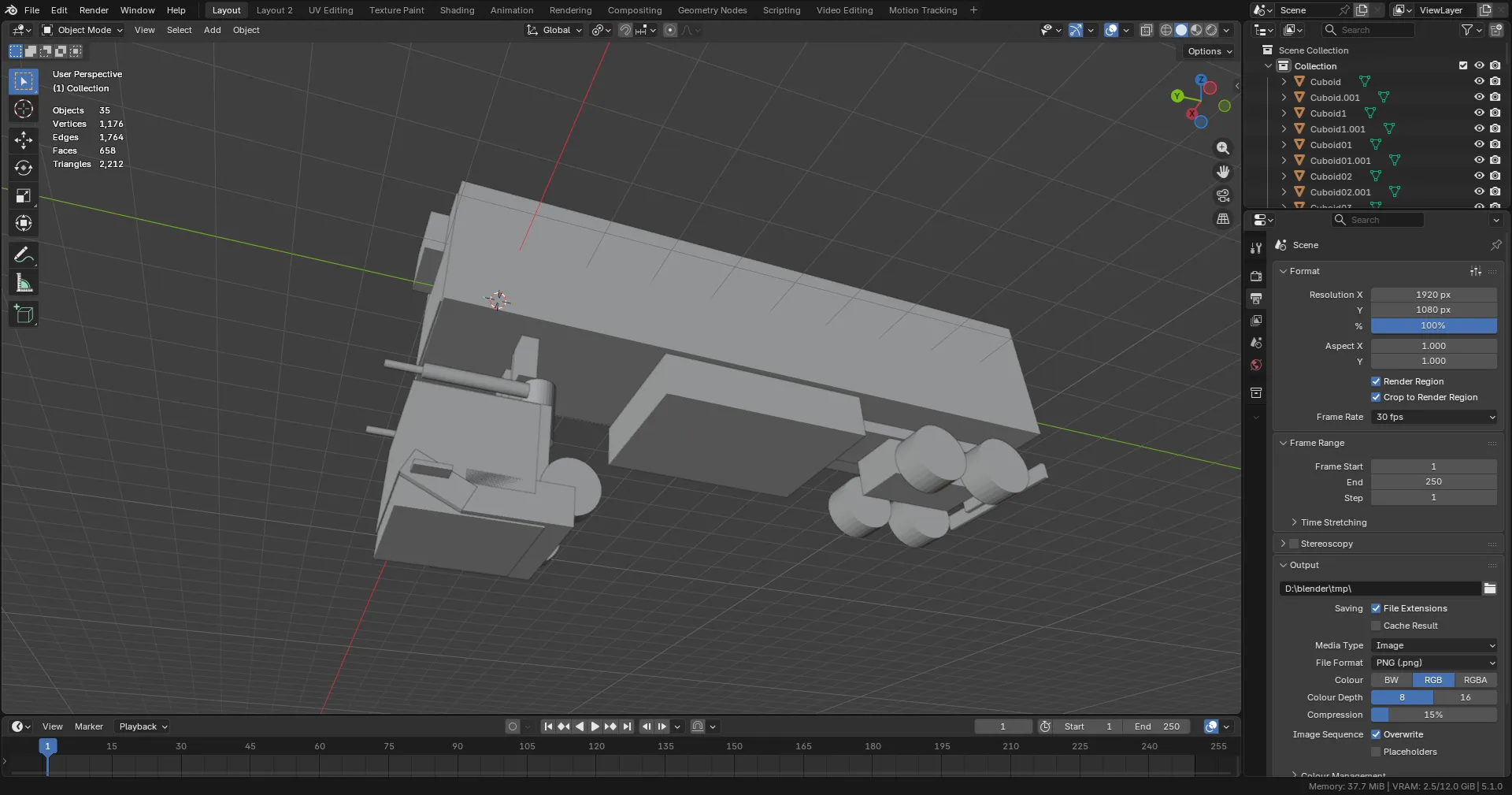
This only imports the objects so it’s completely missing the bones and anything else, but it’s still pretty close!
Although the cab is pointing straight down, I’m extremely glad that the trailer is oriented correctly and that all the objects relatively have the correct scale and rotation.
I’m also glad that the collisions for the lorry are just extremely simple primitives. Endorphin does have “Graphical Objects” which are essentially just a mesh parented to the collision objects to save on similating every face, but I honestly didn’t try to import those as I honestly am not interested, the collision objects are more than enough.
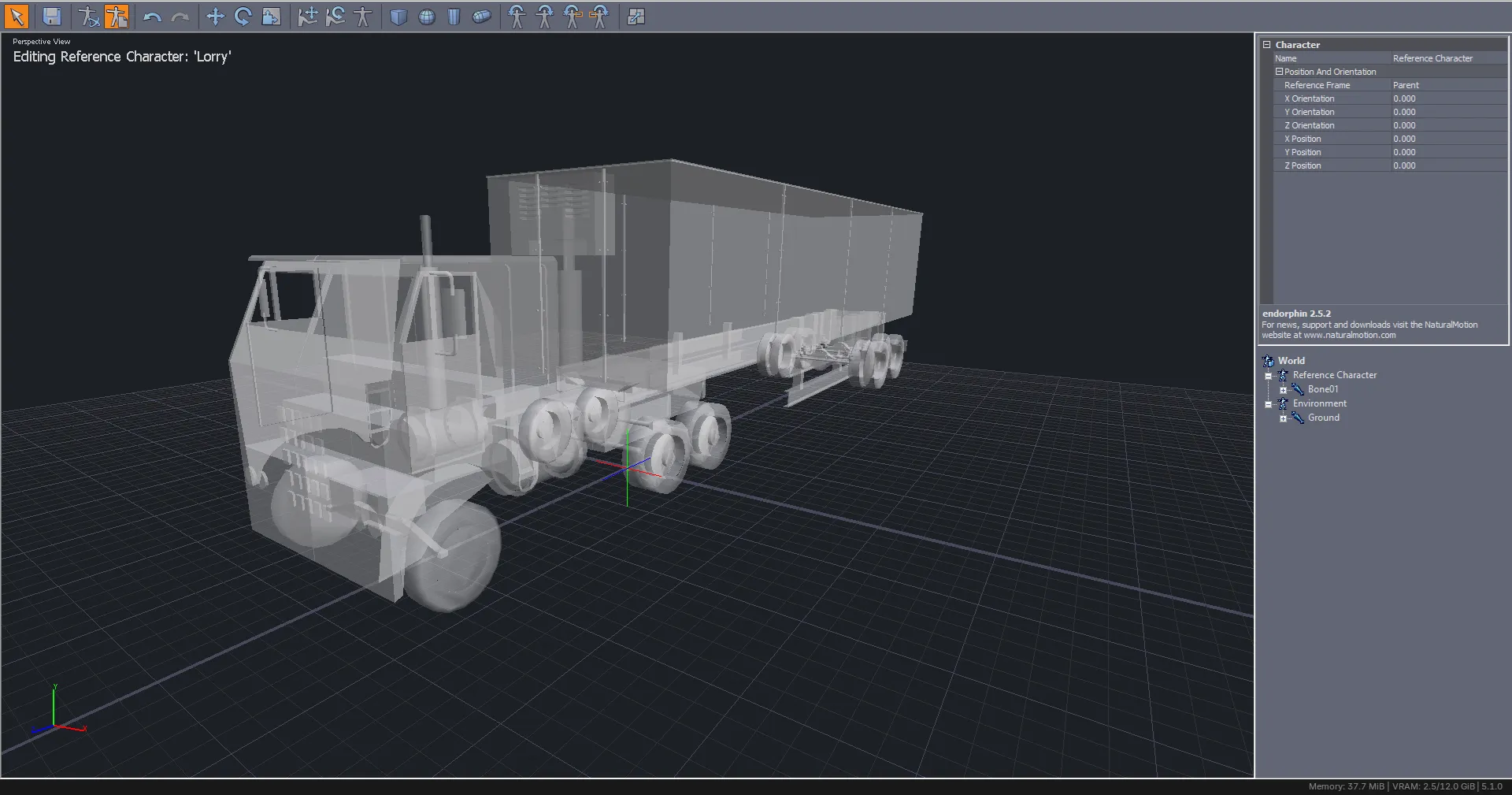
I then completely restarted the project and started trying to import the bones first, which is honestly where this project started to derail.
Endorphin’s bones are strange.

There’s a bone here for the cab so it can move separately from the trailer, nice. But the trailer only has one bone, and it’s the root, but in the skeletal view there’s two bones?
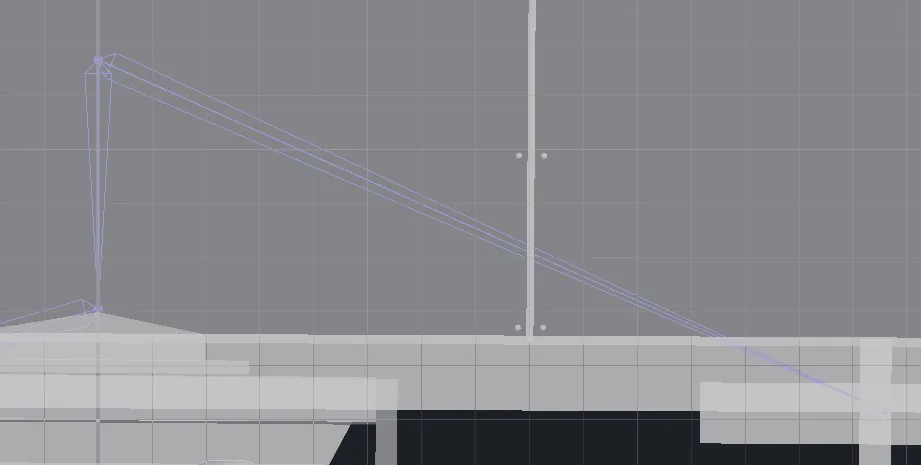
These two cannot be moved independently from eachother, selecting one selects the entire rig, and instead they rely on smaller “bones” to determine where they point.


Trying to understand these, and then port them to blender was a real pain. 
So now, I’ve honestly kinda stopped as python really fucking annoys me. I’m so used to TypeScript and having to debug stuff through blender is also extremely annoying.
Originally, I wanted to make a proper Blender addon that allows me to import .nmc files directly and put it out somewhere for the 3 other people using this program still, but I honestly got a bit annoyed at the process so that’s probably not happening for a while.
But the fact that I even got something working was really cool, especially since I haven’t been able to find anyone else trying to port anything else other than animations to Blender. I should probably go through those so that rigging is easier, but we’ll see.
This was a very fun project though! Endorphin is a very cool software and ragdoll physics are something I have always loved, so having easy access to something like it is really nice.
At some point I’ll probably learn how to make my own scenes, so far I’ve been relying on the sample scenes like Balcony.ens and Bridge Escape.ens, but there are a lot more.